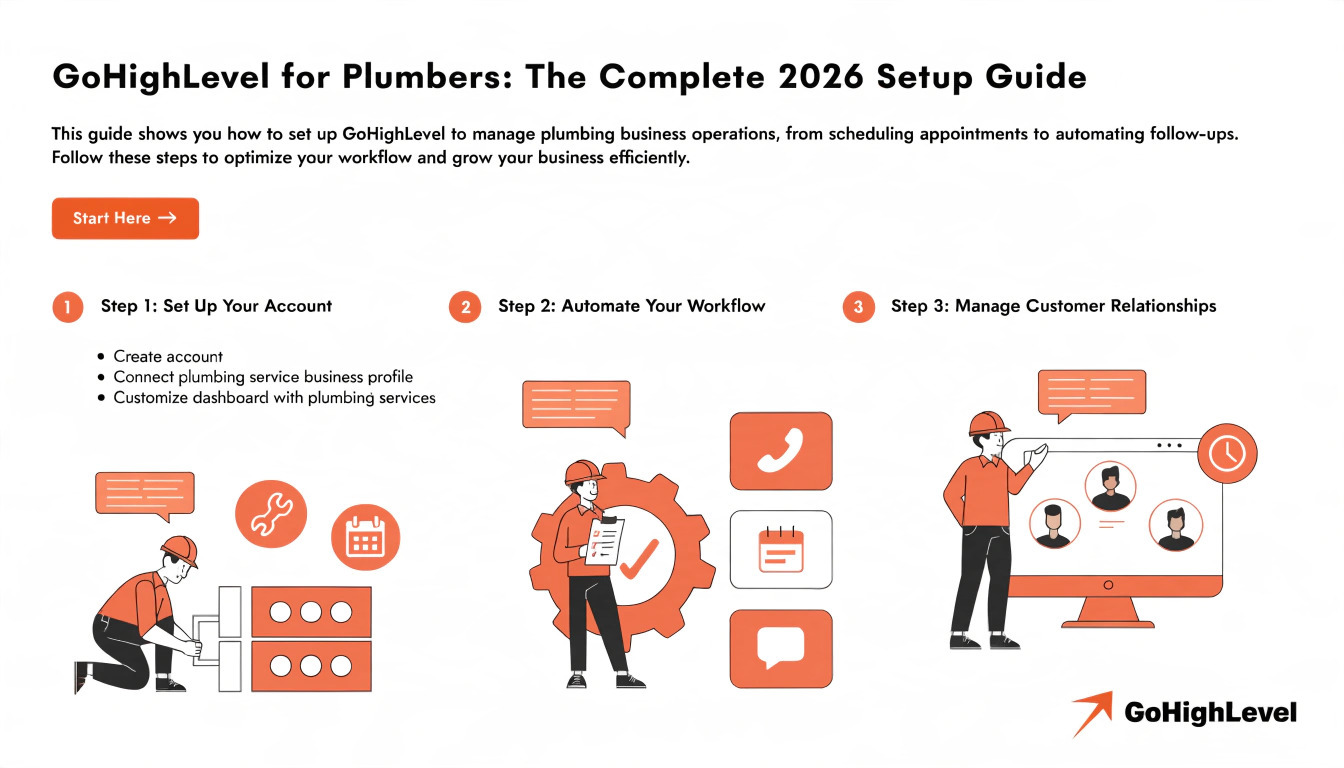
GoHighLevel for Plumbers: The Complete 2026 Setup Guide
GoHighLevel offers a Plumbing-specific snapshot that pre-builds call triage, fixed-fee service menus, dispatch routing, deposit collection, and review-request automation into a new account. It’s built around the reality of plumbing dispatch — separating emergency calls from scheduled work — but still requires a personalization pass (service menu, pricing, service area) before it reflects your actual business.
Plumbing is a dispatch business wearing a trade-skills costume. The work itself — fixing the pipe — is the easy part to get right. What separates a profitable plumbing company from one that’s constantly scrambling is what happens before the truck ever leaves: how fast a call gets triaged, whether the right parts are already on board, and whether the route makes sense. That’s the layer GoHighLevel’s plumbing setup is built to automate.
This guide covers what the Plumbing snapshot actually includes, the triage logic that makes it different from a generic service-business template, how to set it up, and how to think about DIY vs. done-for-you.
What Plumbing Companies Actually Struggle With
Read this: GoHighLevel for HVAC Companies: The Complete 2026 Setup Guide
What the GoHighLevel Plumbing Snapshot Actually Includes
A snapshot is a pre-built template — pipelines, workflows, funnels, and message sequences — that imports directly into a GoHighLevel account. For plumbing specifically, a well-built version typically includes:
What it doesn’t include: your actual pricing, service area boundaries, or licensing/compliance details — every one of those still needs to be configured for your specific company before the system reflects how you really operate.
Core Workflows to Prioritize First
| Workflow | What It Solves | Trigger |
|---|---|---|
| Missed call text-back | Recovers calls lost during busy dispatch hours | Inbound call not answered |
| Emergency triage & routing | Separates true emergencies from scheduled work in the first exchange | New inbound lead/call |
| Deposit collection for after-hours calls | Reduces no-shows on emergency and weekend dispatch | Emergency job booked outside business hours |
| Zone-based dispatch assignment | Cuts drive time by grouping jobs geographically | Job booked and address captured |
| Post-job review request | Captures 5-star reviews while satisfaction is highest | Job marked complete |
| Membership/maintenance follow-up | Converts one-time repairs into recurring revenue | Job completed, no active membership on file |
Missed-call text-back and structured triage are the two highest-leverage automations to configure first — they directly affect whether a call turns into a booked job at all.
Step-by-Step Setup
What the Competition Gets Wrong (And Right)
Most plumbing-snapshot sales pages read almost identically to the HVAC, electrician, and roofing versions of the same product — swap the trade name, keep the copy. Few of them explain the part that actually matters for a plumbing business specifically: structured triage that separates emergencies from scheduled work, and fixed-fee menus with built-in limits so pricing doesn’t turn into a negotiation on every call.
One thing worth calling out plainly: some competing pages lean on testimonial-style quotes that are labeled, in fine print, as “illustrative” rather than from verified clients. That’s a trust gap. Anything you publish under your own name should either be a real client quote or clearly presented as an example — not styled to look like a review when it isn’t one.
Read this: GoHighLevel for Financial Advisors: The Complete 2026 Automation Guide
DIY Snapshot vs. Done-For-You: Which Makes Sense
| Build It Yourself | Done-For-You Setup | |
|---|---|---|
| Time investment | Several hours building out your real fixed-fee menu and triage logic | Minimal — you provide pricing and service area, we configure the rest |
| Best for | Owners comfortable customizing GoHighLevel themselves | Plumbing companies who want it dispatch-ready without learning the platform |
| Risk of generic output | Higher if the fixed-fee menu and triage questions are left at template defaults | Lower — setup reflects your actual pricing and service area from day one |
| Cost | Software cost only | Software cost + one-time setup fee |
(See our agency setup cost breakdown and done-for-you setup options for pricing detail.)
Frequently Asked Questions
Does GoHighLevel have a snapshot built specifically for plumbing companies?
Yes. It includes structured call triage, fixed-fee service menus, deposit collection for emergency calls, zone-based dispatch routing, and review request automation, available during onboarding or importable into an existing account.
Can it tell the difference between an emergency and a routine call?
The structure is there, but the triage questions need to be configured to your business — a burst pipe and a slow drain should route completely differently, and that logic has to reflect how your dispatch team actually prioritizes.
Can I collect deposits for after-hours emergency calls automatically?
Yes. This is a standard part of a properly configured plumbing setup and significantly reduces no-shows on emergency and weekend dispatch.
Does the snapshot help with routing and reducing drive time?
It provides the structure for zone-based dispatch, but your actual service area boundaries need to be mapped in during setup for the routing logic to reflect reality.
Is the plumbing snapshot ready to use immediately after import?
No. Your fixed-fee menu, triage questions, service area, and pricing all need to be configured — the snapshot provides structure, not a finished business.
Should I build this myself or have it done for me?
If you’re comfortable in GoHighLevel and have time to build out real pricing and triage logic, DIY works. If you’d rather it be dispatch-ready without the learning curve, a done-for-you setup removes that risk.