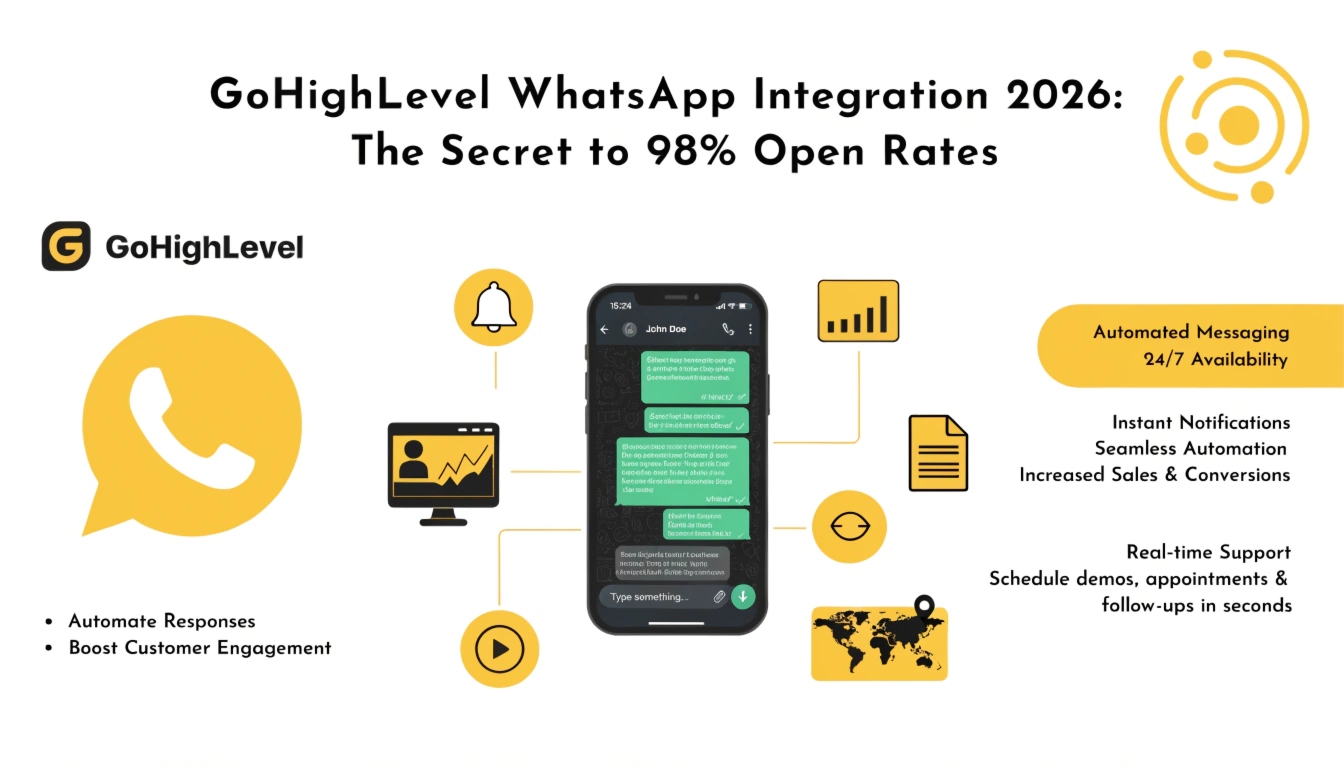
GoHighLevel WhatsApp Integration 2026: The Secret to 98% Open Rates
In 2026, the battle for consumer attention isn’t happening in the inbox—it’s happening in the palm of their hand. While email remains a staple for long-form updates, GoHighLevel WhatsApp Integration 2026 has become the primary driver for “Instant Response” sales.
With over 2 billion global users, WhatsApp is no longer just a “chat app”; it is a professional closing tool. By integrating WhatsApp directly into your GHL dashboard, you eliminate the friction of switching apps and bring the most powerful communication channel on earth into your automated workflows.
Why WhatsApp is Dominating GHL Strategies in 2026
The “ghlcrm.me” philosophy focuses on efficiency, and nothing is more efficient than a channel with a 98% open rate. Unlike SMS, which can feel intrusive or get caught in carrier filters, WhatsApp allows for:
Read this: GoHighLevel AI Workflows 2026: Building an Autonomous Business
How GoHighLevel WhatsApp Integration Works (Step-by-Step)
Step 1: Connecting the Meta Business API
In 2026, GHL has simplified the setup. You no longer need complex third-party bridges. Navigate to Settings > WhatsApp and connect your Meta Business Manager. This grants you access to the official API, ensuring your number doesn’t get banned for “spamming” like unofficial workarounds.
Step 2: Creating Approved Templates
WhatsApp requires “Template Messages” for business-initiated chats. In GHL, you can draft these templates—such as “Appointment Reminders” or “Order Updates”—and send them for approval directly within the dashboard. Once approved, they can be used in any AI Workflow.
Step 3: Centralizing the Unified Inbox
Once active, every WhatsApp message flows into the GHL Unified Inbox. Your team can reply to a WhatsApp message, an Instagram DM, and an Email all from one screen. This “Omnichannel” approach ensures no lead is left waiting.
Features Breakdown: The WhatsApp Power Suite
Automated Nurture Workflows
Don’t just send one message. Build a sequence. If a lead doesn’t respond to your initial “Welcome” WhatsApp, trigger a Smart List update that sends a follow-up voice note 24 hours later.
Interactive “Quick Replies”
Use GHL’s button feature within WhatsApp. Instead of asking a lead to “Type Yes,” give them a button that says “Book My Demo.” This tiny reduction in friction increases booking rates by up to 30%.
WhatsApp for Reputation Management
In 2026, the fastest way to get a 5-star review is via WhatsApp. Send a direct link to your Google Business Profile. Since the user is already in a “chatty” mood, the likelihood of them leaving a review is significantly higher than via email.
Use Cases for 2026
FAQs
Is there an extra cost for WhatsApp?
Yes. Meta charges a small fee per “Conversation” (a 24-hour window). GHL allows you to Rebill these costs to your clients at a markup, creating an extra stream of passive income for your agency.
Can I use my existing personal number?
It is highly recommended to use a clean, dedicated business number. Once a number is registered to the WhatsApp API, it cannot be used in the regular “Personal” WhatsApp app.
Does the Conversation AI work with WhatsApp?
Absolutely. The Conversation AI can read and respond to WhatsApp messages in real-time, qualifying leads while you sleep.
Read this: GoHighLevel Social Planner 2026: The AI-First Content Command Center
Conclusion
The GoHighLevel WhatsApp Integration 2026 is the bridge between “Automation” and “Human Connection.” In an era of digital noise, the businesses that meet their customers where they already spend their time—on WhatsApp—are the ones that win. Start by setting up your first “Appointment Reminder” template today and watch your show-up rates soar.
Pro Tip: Combine your WhatsApp strategy with Lead Scoring. Give higher points to leads who interact with your WhatsApp messages, as they are your “hottest” prospects.