GoHighLevel for Law Firms 2026: Compliant Intake at Scale
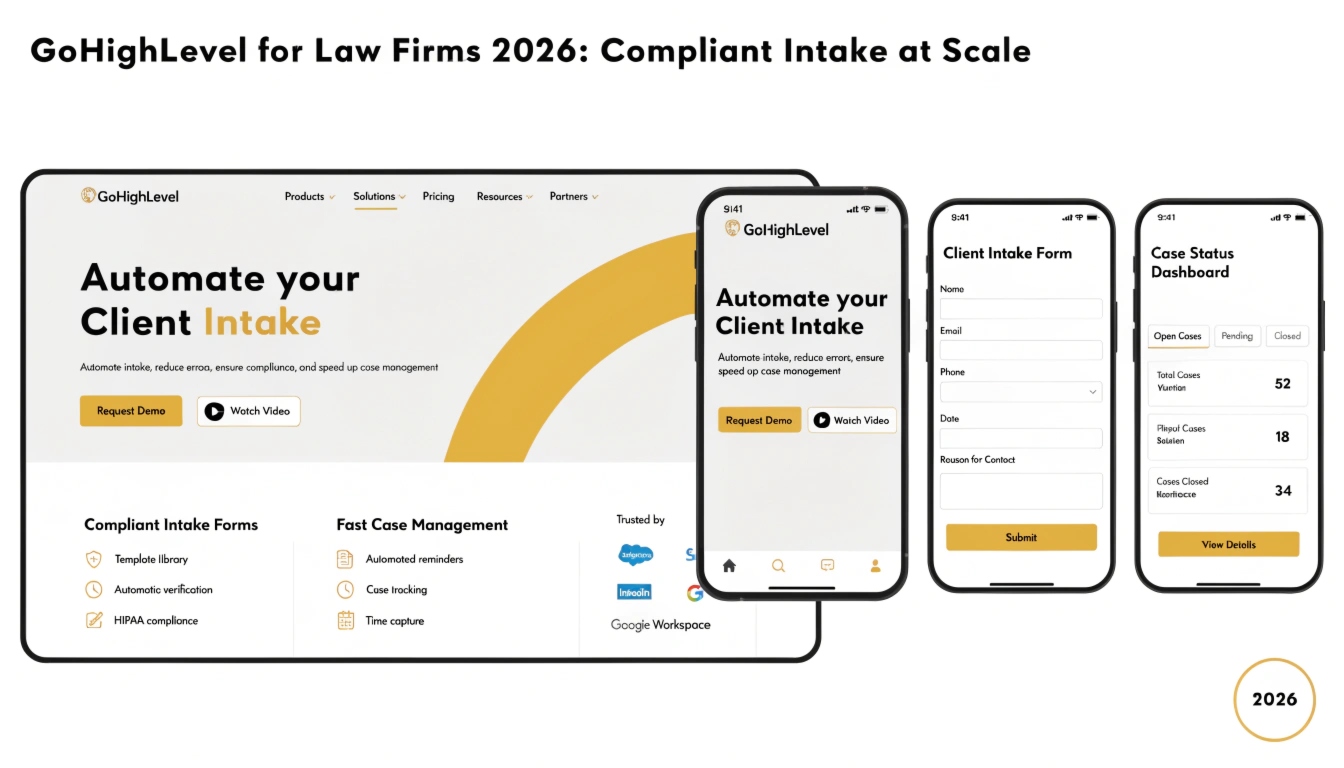
GoHighLevel for law firms automates client intake — qualifying leads, scheduling consultations, running conflict checks, and integrating with case management software like Clio and MyCase.
For solo practitioners and small firms generating 20-100 leads monthly, GoHighLevel replaces 4-6 separate tools (intake forms, email marketing, SMS, calendar booking, conflict-check workflow) at one combined price.
This guide covers the law firm setup including state bar compliance considerations, intake workflows, and integration with case management platforms.
Why law firms struggle with intake
Legal intake has unique challenges no other industry faces. Every lead must be qualified for case viability before consultation. Conflict checks must run against the firm’s existing client list.
Communications must comply with state bar advertising rules — which vary by jurisdiction. Personal injury cases need different intake than family law, which needs different intake than business litigation.
Most law firms handle this manually with paralegals or intake coordinators. The cost of a single missed conflict-check or unqualified consultation can range from a wasted hour to a malpractice claim. Automation reduces both.
Read this: GoHighLevel for Business: The 2026 Industry-Specific Operating System
State bar compliance considerations
Before any GoHighLevel setup for a law firm, the state bar advertising rules of every jurisdiction the firm operates in must be reviewed. The relevant rules typically appear in the state’s Rules of Professional Conduct, specifically Rule 7.1-7.5 in most states. Common rules that affect GHL configuration:
These rules don’t make GoHighLevel unusable for law firms — they just shape the configuration. A typical law firm GHL setup includes mandatory disclaimers in every email and SMS template, attorney name and address in every footer, and audit logging configured for advertising recordkeeping.
Intake automation workflow
The core law firm intake workflow runs through five stages. Each stage is automated in GoHighLevel.
Stage 1: Initial inquiry
Lead arrives via website form, paid ad, or referral. Workflow captures contact info plus 3-5 case-type questions specific to the practice area. Auto-response SMS within 60 seconds.
Stage 2: Lead qualification
Workflow runs the lead’s case-type answers against qualifying logic. For a personal injury firm: was there an injury? Was anyone at fault? Was a police report filed? Workflow either advances qualified leads to consultation booking or routes unqualified leads to a polite decline template.
Stage 3: Conflict check
Before scheduling consultation, an automated workflow checks the lead’s name and any opposing parties (if provided) against the firm’s existing client list.
GoHighLevel can run a soft-match check via custom field comparison, flagging potential conflicts for human review before a consultation is booked.
Stage 4: Consultation booking
Cleared leads receive a calendar link. GoHighLevel’s calendar feature integrates with attorney availability, sends consultation reminders 24 hours and 1 hour before, and prompts for case documents the attorney needs to review beforehand.
Stage 5: Post-consultation
After the consultation, automated follow-up depends on next steps. Engaged clients receive an engagement letter via email with e-signature. Declined cases get a polite referral list. Unsure leads enter a 30-day nurture sequence with educational content (jurisdiction-appropriate).
Lead qualification scripts by practice area
The qualification questions differ by practice area. Sample questions per type below — adapt for jurisdiction and firm specialization.
Personal injury
- Type of incident (auto, slip-and-fall, medical, etc.)
- Date of incident (statute of limitations check)
- Was a police or incident report filed?
- Were medical treatments received?
- Has insurance been notified?
Family law
- Type of matter (divorce, custody, modification, etc.)
- County of residence (jurisdiction)
- Are there minor children involved?
- Has a petition already been filed?
- Is there urgent safety concern (DV indicator)?
Business and contract law
- Type of business matter (formation, contract, litigation, etc.)
- Estimated dollar amount in controversy
- Type of business entity
- State of incorporation
- Existing legal counsel?
Calendar integration with Clio and MyCase
Most law firms use Clio or MyCase as their primary case management system. GoHighLevel integrates with both via Zapier (for basic sync) or via direct API (for real-time bidirectional sync).
The typical setup pushes new GHL contacts to Clio as new clients when retainer is signed, and pulls case status updates from Clio back to GHL for client communications.
Read this: Done-For-You GoHighLevel Setup: When It Makes Sense for Your Business
Pricing examples for law firms
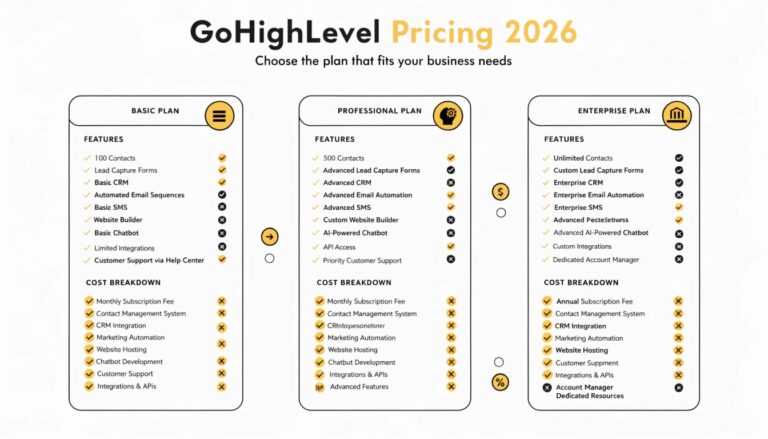
A solo practitioner running their own GHL typically uses the $97/month Starter plan. A small firm (3-10 attorneys) usually upgrades to the $297/month Unlimited plan for separate sub-accounts per practice area. Multi-state firms or firms with multiple offices often need the agency plan at $497/month for proper sub-account separation.
Done-for-you setup of a law firm GHL account typically runs $2,497 for a single-practice-area firm and $3,997 for multi-practice-area firms with full conflict-check automation and Clio integration.
Frequently Asked Questions
Is GoHighLevel compliant for law firms?
GoHighLevel can be configured to comply with state bar advertising rules, but compliance is the firm’s responsibility, not the platform’s.
The configuration must include required disclaimers, attorney identification, recordkeeping, and any state-specific restrictions on testimonials or specialist claims. We help law firm clients review their state’s Rules of Professional Conduct before configuring GHL.
Does GoHighLevel integrate with Clio?
Yes, via Zapier for basic integration and via custom API integration for real-time sync. Common integrations include pushing new clients from GHL to Clio when retainers are signed, syncing case status updates between platforms, and pulling billing data from Clio for client communications. Setup time for the integration is typically 8-16 hours.
Can law firms automate intake with GoHighLevel?
Yes. GoHighLevel handles the full intake automation: initial inquiry capture, qualification logic by practice area, conflict-check pre-screening, calendar booking, and post-consultation follow-up.
The qualification logic is configured once per practice area; all subsequent leads run through it automatically.
What about state bar advertising rules?
State bar advertising rules vary significantly by jurisdiction. Common requirements include “Advertising Material” disclaimers, attorney name and address disclosure, restrictions on testimonials, and recordkeeping requirements.
GoHighLevel can be configured to include all required disclaimers in every communication and to maintain audit logs for the recordkeeping period. Specific compliance review by your firm’s ethics counsel is recommended.
Can a solo practitioner afford GoHighLevel?
Yes. The $97/month Starter plan handles most solo practitioner needs and is significantly cheaper than the legal-specific intake software (Lead Docket, Captorra) that costs $300-$800/month.
The math typically favors GHL unless the practice has very specific legal-tech needs that GHL can’t support.
Ready for an intake system that actually works?
If you run a law firm and want intake automation that handles qualification, conflict-checks, and Clio sync — book a free intake audit.
We’ll review your current intake process, identify the bottlenecks, and quote a complete GHL setup with state bar compliance baked in. Most firms recoup the setup cost in saved paralegal hours within 60 days.