GoHighLevel AI Workflows 2026: Building an Autonomous Business
In the early days of marketing automation, “Workflows” were just simple chains. If a lead filled out a form, you sent an email. It was rigid and, frankly, a bit “robotic.”
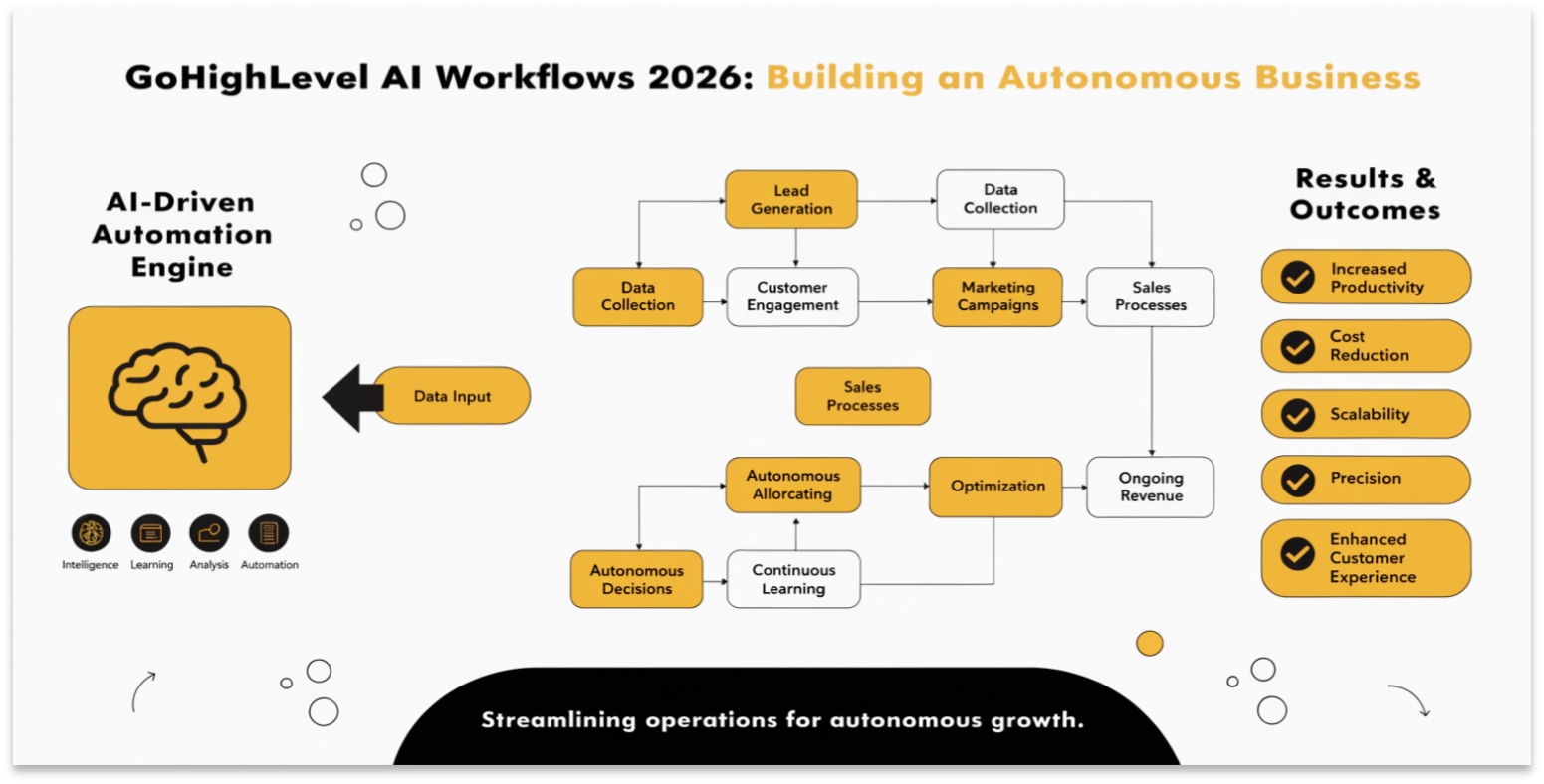
In 2026, GoHighLevel AI Workflows have evolved into an autonomous engine. The system no longer just follows a list of instructions; it thinks. It analyzes the “vibe” of a customer’s text, predicts their likelihood to buy, and changes its path in real-time. This guide will show you how to build a workflow that acts like a senior sales manager.
Sentiment-Based Branching
One of the most powerful 2026 updates is the “Wait for AI Condition” step. Instead of waiting for a specific keyword, the workflow now understands Sentiment.
How it Works:
Read this: GoHighLevel Communities 2026: Build, Gamify, and Monetize Your Audience
Predictive Lead Scoring
In 2026, you don’t have to manually assign points to leads. The AI Lead Scorer does it based on behavior.
The “Smart Wait” Step
The old “Wait 1 Day” step is dead. In 2026, we use the Smart Wait feature.
Instead of sending an email at 3:00 AM because that’s when the timer expired, the AI waits until the Optimal Engagement Window. It looks at when that specific contact usually opens their phone and hits “Send” at that exact moment. This has increased email open rates by over 40% for GHL users this year.
Multi-Channel Harmony
A 2026 AI Workflow doesn’t just stick to one channel. It coordinates a “Symphony” of touchpoints:
| Step | Action | Channel |
| Minute 1 | Personalized “Welcome” Video | SMS |
| Hour 2 | Value-add Case Study | |
| Day 1 | “Soft Touch” Interaction | Instagram DM |
| Day 2 | Follow-up Call (if unread) | AI Voice Agent |
Frequently Asked Questions (FAQs)
Can I use AI to write the SMS inside the workflow?
Yes! In 2026, you can use the Content AI variable inside any message step. Use a prompt like: “Write a friendly follow-up text based on the lead’s first name and mention our 20% discount.”
Does sentiment analysis work in all languages?
Yes. The 2026 engine supports sentiment detection in over 50 languages, making it perfect for global agencies.
Is it hard to set up?
If you can draw a flowchart, you can build an AI Workflow. GHL also provides AI Workflow Recipes—pre-built templates for common goals like “Review Requests” or “Appointment Reminders.”
Read this: GoHighLevel Gift Cards 2026: Boost Your Revenue with Automated Gifting
Final Thoughts
The goal of automation in 2026 isn’t to replace the human touch; it’s to scale it. By building autonomous workflows that respond to how a customer feels, you are creating a world-class experience that builds trust and closes deals while you sleep.