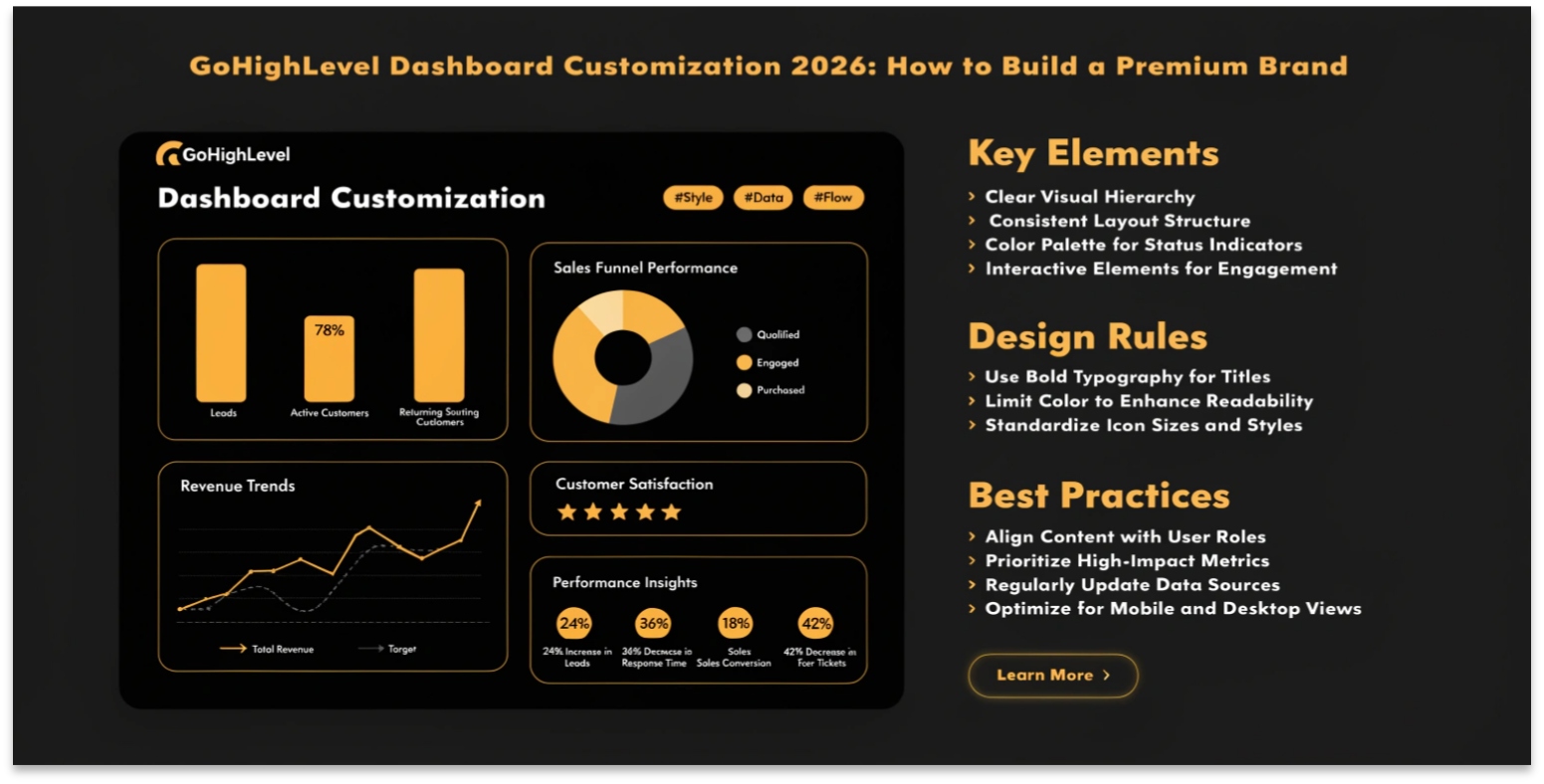
GoHighLevel Dashboard Customization 2026: How to Build a Premium Brand
In 2026, “Identity” is everything. If your clients log in and see the same standard dashboard as every other agency, they perceive your service as a commodity. To charge premium prices for SaaS Mode, your platform must look and feel like a custom-built solution.
The 2026 Theme Builder and Advanced Custom CSS options allow you to strip away the “HighLevel” aesthetic and replace it with your own high-end brand experience.
The New 2026 Theme Builder
Gone are the days of needing a developer to change your sidebar color. The native Theme Builder now allows for “Point-and-Click” branding across your entire agency.
Using Custom CSS for “The Ultimate Moat”
For agencies that want to go truly “Custom,” the Agency Settings > Custom CSS section is where the magic happens.
Popular CSS Hacks for 2026:
Custom Menu Links (CML)
Custom Menu Links are the secret to “Feature Injection.” They allow you to add external tools directly into the GHL sidebar as if they were native features.
| Use Case | Where to Link | Why it Works |
| Training Center | Your GHL Community | Keeps clients inside the app while they learn. |
| Support Portal | A custom Ticketing Form | Prevents “Email Clutter” and centralizes support. |
| ROI Reports | Smart Attribution Dashboard | Makes your results the most visible part of the app. |
| Upsells | A “Feature Request” Funnel | Allows clients to “Upgrade” their plan with one click. |
White-Labeling the Mobile App
In 2026, having your own app in the App Store is the ultimate authority builder.
Frequently Asked Questions (FAQs)
Do I need to be a coder to use Custom CSS?
While basic CSS knowledge helps, the 2026 GoHighLevel community offers thousands of “Copy-Paste” snippets that allow you to transform your dashboard in seconds.
Can I have different themes for different sub-accounts?
Yes! In 2026, you can apply a “Global Theme” at the agency level or override it for specific “VIP” clients who want their own branding.
Is there a cost for the White-Label Mobile App?
Yes, the custom-branded mobile app is typically a monthly add-on ($497/mo) which includes the submission and maintenance of your app in the iOS and Android stores.
Final Thoughts
Your dashboard is your storefront. By investing time into GoHighLevel Dashboard Customization, you are telling your clients that you are a serious technology provider, not just someone reselling a tool.
Ready to rebrand? Head to Agency Settings > Branding and upload your high-resolution logos today. Then, explore the Theme Builder to find a color scheme that matches your vision.