GoHighLevel AI Image Recognition 2026: How to Build Bots That “See”
In the past, when a customer sent a photo to your business—like a screenshot of an error or a picture of a broken part—your AI bot would get confused. It would usually say, “I’m sorry, I can only process text.”
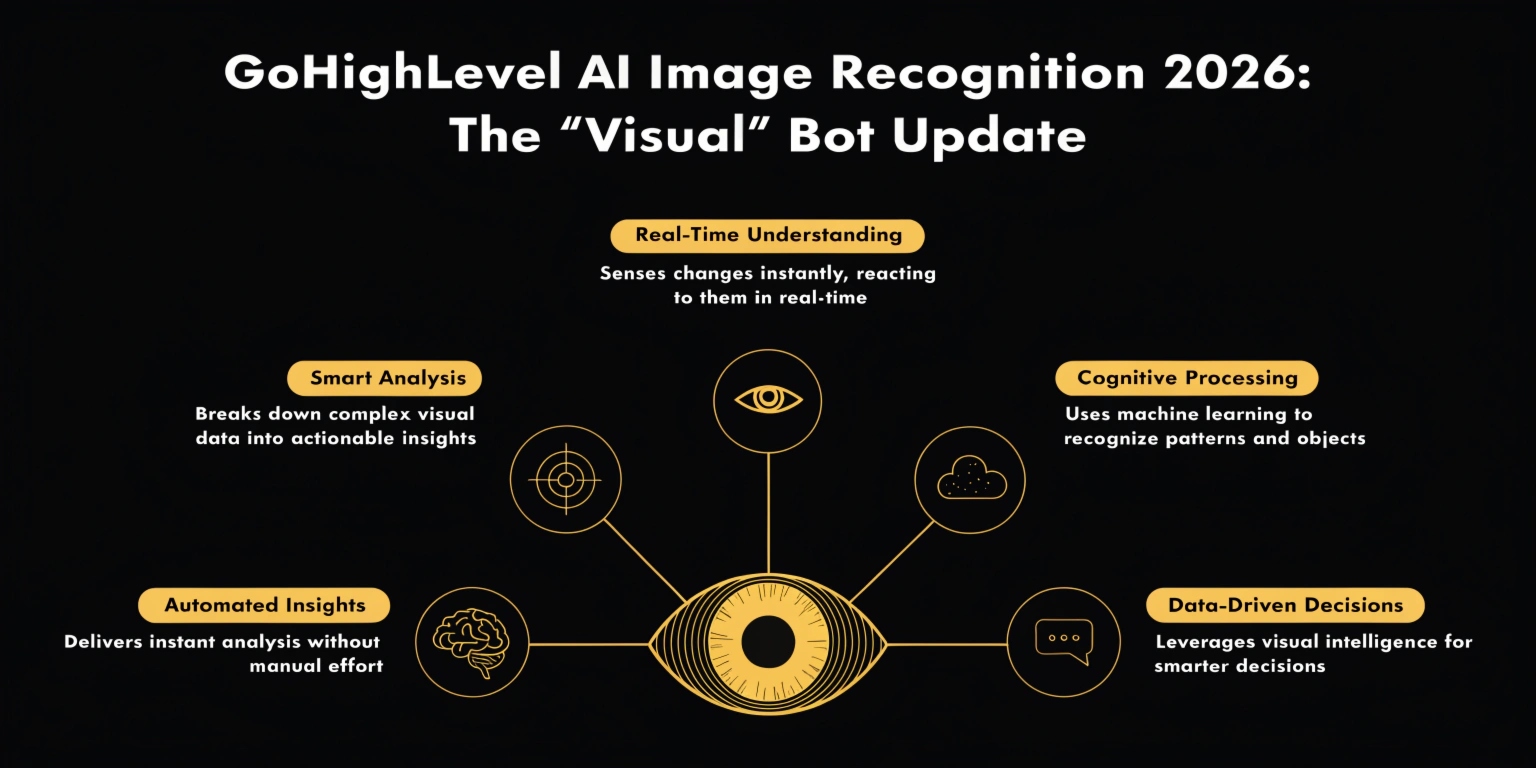
In 2026, that barrier is gone. With the release of GoHighLevel AI Image Recognition, your Conversation AI can now “see,” analyze, and respond to images in real-time. This is a massive leap for customer support, lead qualification, and sales.
What is AI Image Recognition in GHL?
This is a “Multimodal” update to the Conversation AI. It means the AI doesn’t just read words; it processes pixels.
When a contact sends a supported file (JPG, PNG, or JPEG) via SMS, WhatsApp, or Instagram DM, the bot analyzes the image and uses that context to continue the conversation.
Read this: GoHighLevel Gift Cards 2026: Boost Your Revenue with Automated Gifting
Key Capabilities in 2026:
Real-World Use Cases for Your Agency
| Industry | How the “Visual Bot” Helps |
| Home Services | Customer sends a photo of a leaky pipe; the AI identifies the pipe type and alerts the plumber. |
| E-commerce | Customer sends a photo of a receipt for a “Price Match”; the AI verifies the date and price. |
| Real Estate | Lead sends a photo of their “Pre-Approval Letter”; the AI confirms the amount and tags them as “Hot.” |
| SaaS Support | Users send screenshots of error codes; the AI suggests a fix from the Knowledge Base instantly. |
How to Enable Visual AI Responses
Setting this up is a simple “Toggle” inside your Agent settings.
Why This is a “Revenue Multiplier” for 2026
If you are a SaaS or Agency owner, you can charge a premium for “Visual Support” setups.
Most businesses are drowning in manual support tickets because people find it easier to send a photo than to type a long explanation. By automating the “Visual Intake” process, you are saving your clients hours of work every day.
Frequently Asked Questions (FAQs)
Which channels support image recognition?
In 2026, this works across Live Chat, Facebook Messenger, Instagram DMs, WhatsApp, and SMS/MMS (U.S. & Canada).
Can the AI “read” handwritten text?
Yes. The 2026 update includes high-level OCR (Optical Character Recognition), allowing it to read handwritten notes on intake forms or receipts with high accuracy.
Is there an extra cost?
AI Image Recognition is usually part of the “AI Employee” or “Unlimited AI” plan. Check your usage dashboard to see the per-image processing fee if you are on a pay-as-you-go model.
Final Thoughts
We are living in a visual world. By giving your GoHighLevel bots the “gift of sight,” you are creating a more human, efficient, and impressive experience for every customer.