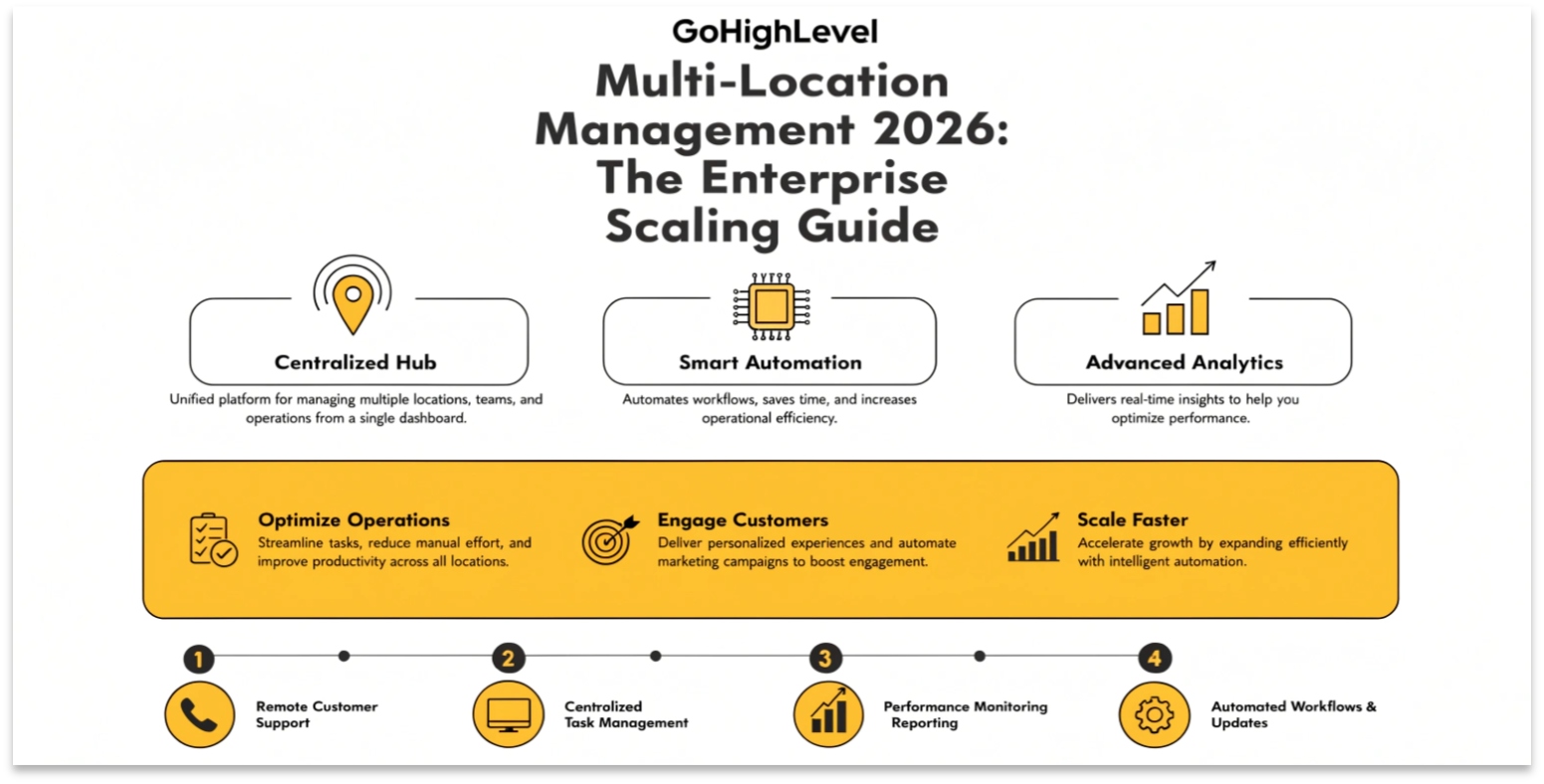
GoHighLevel Multi-Location Management 2026: The Enterprise Scaling Guide
Managing one business in GoHighLevel is simple. Managing 100 locations for a national franchise or a multi-unit gym brand is a completely different challenge. In the past, agencies struggled with “Data Silos”—having to log in and out of 100 sub-accounts just to change one email template.
In 2026, GoHighLevel Multi-Location Management has solved this. With advanced global tools and enterprise-grade syncing, you can now manage an entire brand from a single “Command Center.” Here is how to scale your agency to handle the “Big Fish” in 2026.
The Power of “Global Search” and Unified Dashboards
One of the most requested features of 2026 is Global Search.
Shared Workflows: The “Master Template” Strategy
In 2026, you no longer need to build 100 separate automations. You use Global Workflow Syncing.
Enterprise-Grade Reporting
Franchise owners don’t just want to see how one location is doing; they want to compare them. The 2026 Multi-Location Reporting Dashboard allows you to:
Managing User Permissions at Scale
In a multi-location setup, security is paramount. In 2026, GHL offers Role-Based Access Control (RBAC).
| User Role | Access Level |
| Regional Manager | Can see all 10 locations in their specific “Region.” |
| Store Manager | Can only see their specific sub-account and staff. |
| Agency Admin | Full access to the “Command Center” and billing. |
| External Specialist | Limited access to only the Social Planner or SEO tools. |
Frequently Asked Questions (FAQs)
Can I have different “Knowledge Bases” for different locations?
Yes. Even if you use a Global AI Voice Agent, you can upload location-specific PDFs (like address, local hours, and staff names) so the AI stays accurate for each branch.
Does GHL handle “Territory Protection”?
In 2026, you can set up “Zip Code Routing” in your workflows. If a lead comes in from a specific area, the system automatically assigns them to the correct sub-account based on their location.
Is there a limit to how many sub-accounts I can have?
No. On the Agency Pro ($497) plan, you have unlimited sub-accounts, making it the most cost-effective solution for large-scale enterprise management.
Final Thoughts
Scaling to 100+ locations is no longer a technical nightmare. By mastering GoHighLevel Multi-Location Management, you can provide “Enterprise-Level” value to big brands while maintaining the efficiency of a small team.
Ready to go Big? Navigate to your Agency View > Settings > Sub-Account Permissions to start organizing your locations into “Groups” and “Regions” today.