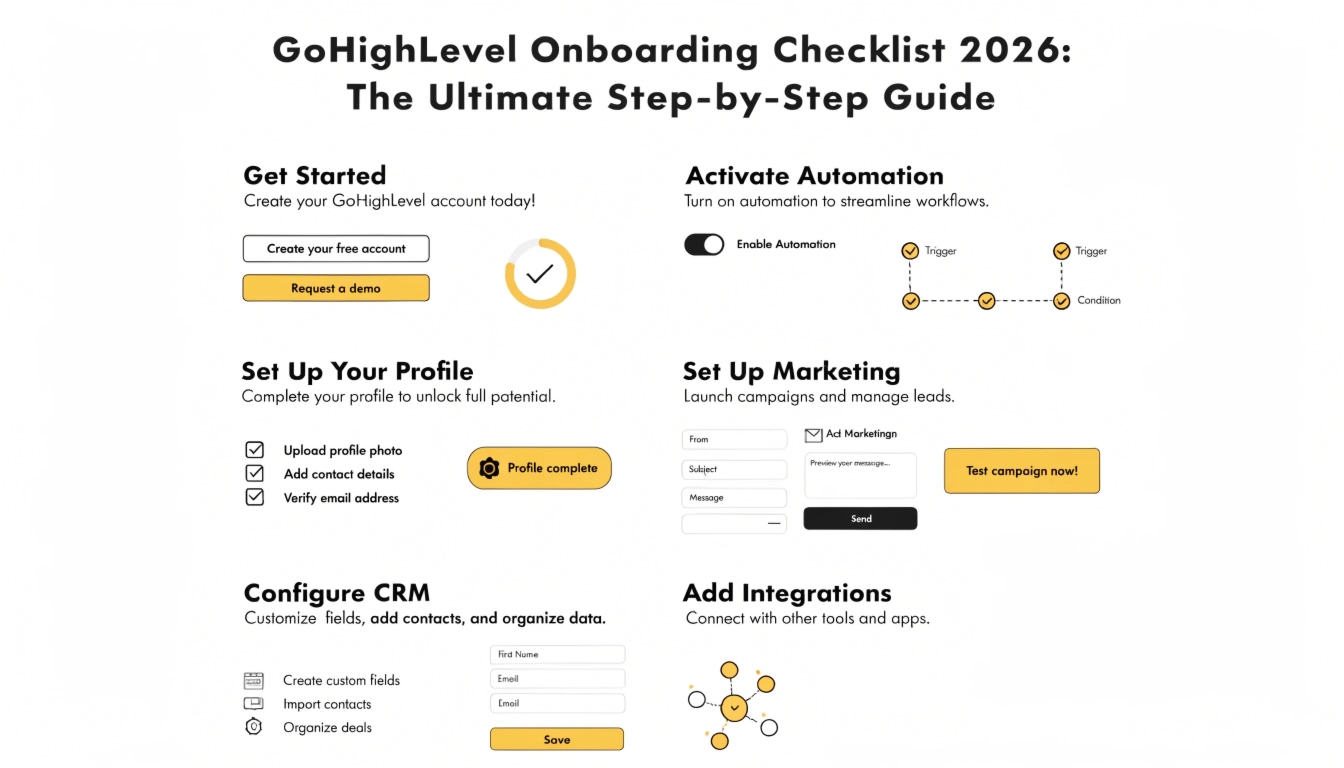
GoHighLevel Onboarding Checklist 2026: The Ultimate Step-by-Step Guide
The first 14 days of using GoHighLevel (GHL) determine whether you will scale your revenue or cancel your subscription out of frustration. Because GHL is so powerful, the “Technical Overwhelm” is real. Without a structured GoHighLevel onboarding plan, most business owners get lost in the settings and never actually launch their first lead-gen campaign.
In 2026, onboarding isn’t just about clicking buttons; it’s about ensuring compliance, deliverability, and user adoption. This guide provides the exact checklist used by top GoHighLevel agency services to take an account from “Blank Slate” to “Profit Center” in record time.
The “Foundational” Phase (Day 1-2)
Before you build a single funnel, you must lay the groundwork. Skipping these steps is the #1 reason why automations fail.
The “Architecture” Phase (Day 3-5)
This is where you build the “Brain” of your CRM. A professional GoHighLevel setup service focuses heavily on this phase.
The “Automation” Phase (Day 6-10)
In 2026, automation is what separates GHL from a standard spreadsheet.
The “Execution” Phase (Day 11-14)
The final step is testing and team adoption.
Why a Structured Onboarding Saves Your ROI
In 2026, the complexity of A2P compliance and AI integration means you can no longer “wing it.” A failed onboarding leads to:
Most high-growth companies skip the trial-and-error by opting for a Done-for-you GoHighLevel onboarding. This ensures that the technical heavy lifting is handled by a Certified GoHighLevel Admin while the business owner focuses on closing the new leads.
FAQs: GoHighLevel Onboarding
How long does onboarding typically take?
A basic setup can be done in 48 hours, but a “Revenue-Ready” onboarding that includes GoHighLevel migration and custom workflows usually takes 10 to 14 days.
Do I need to be a “techie” to finish the checklist?
The foundational DNS and compliance steps can be difficult for non-technical users. If you get stuck, it is often cheaper to hire a GoHighLevel expert for a few hours than to risk breaking your domain reputation.
Can I onboard multiple sub-accounts at once?
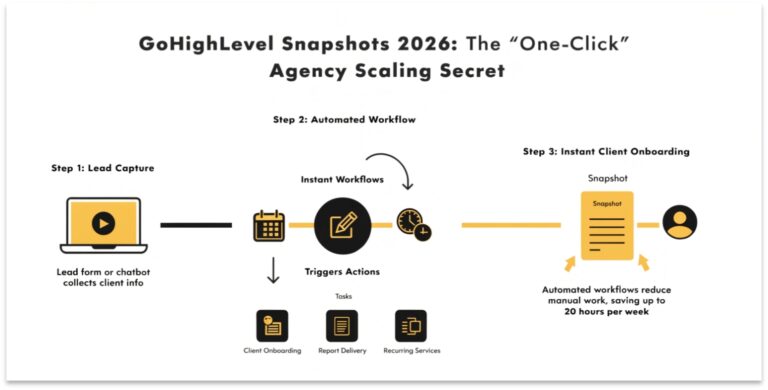
Yes. If you are using GoHighLevel SaaS Mode, you should automate this checklist using a Master Snapshot so that every new client gets the same high-quality setup instantly.`
Conclusion
Successful GoHighLevel onboarding is about momentum. By following a structured checklist, you eliminate the “what do I do next?” anxiety and move straight into the “how much money did we make today?” phase. Whether you use this guide to DIY your setup or as a vetting tool for a GoHighLevel setup cost proposal, remember: the foundation you build today determines the scale you achieve tomorrow.