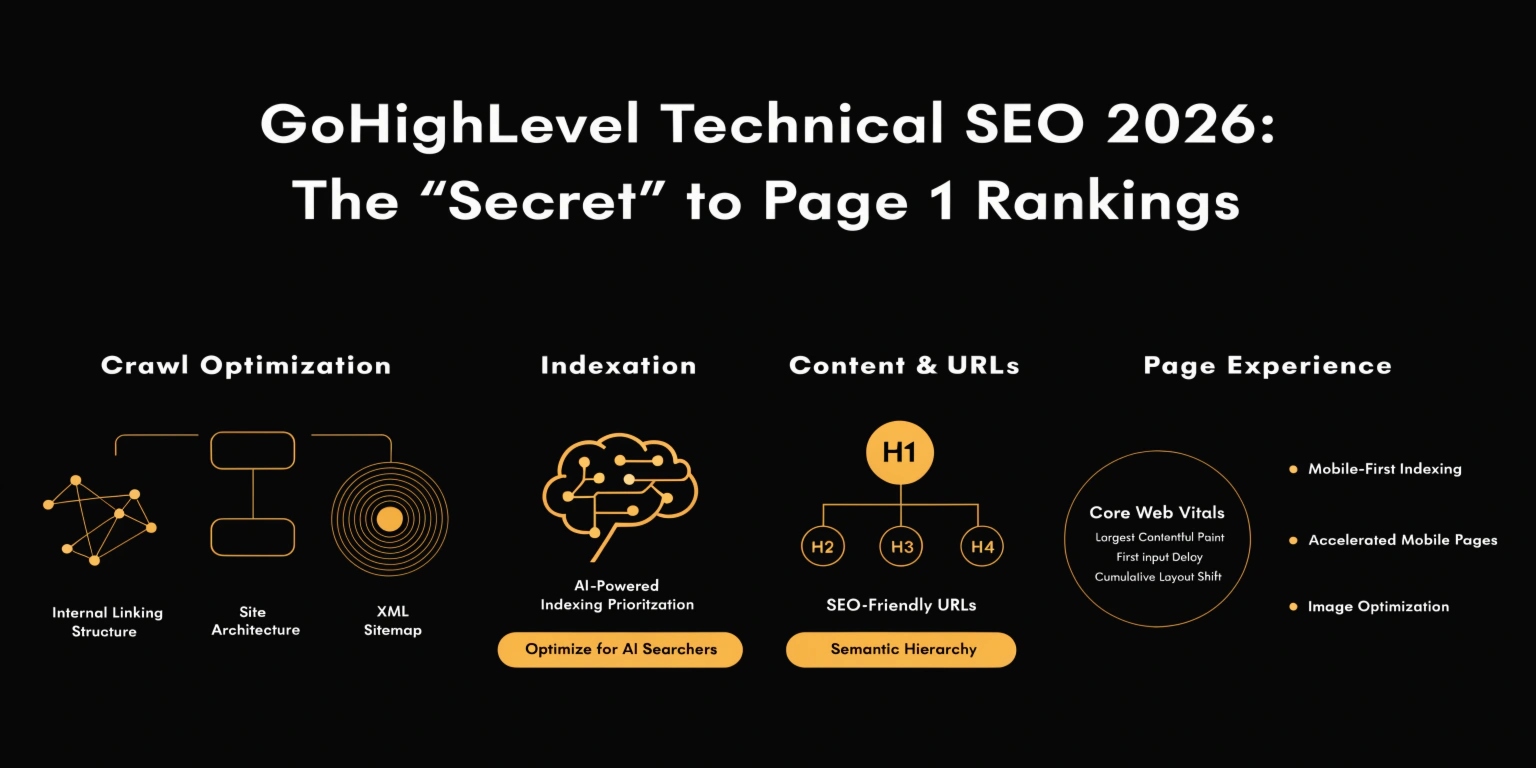
GoHighLevel Technical SEO 2026: The “Secret” to Page 1 Rankings
Most people think GoHighLevel is just for funnels. They believe it can’t rank on Google. They are wrong. In 2026, GHL has added powerful technical tools.
If you know how to use them, you can outrank WordPress sites and custom-coded blogs. This guide will show you how to fix the technical “gaps” and win at SEO.
Locking Your URL Paths
One common mistake in GHL is “URL Drift.” By default, GHL might give your page a messy name like /home-1 or /services-v2. Google hates this.
The Fix:
Optimizing Core Web Vitals (Speed)
In 2026, Google uses “Core Web Vitals” to measure how fast and stable your site is. A slow site will never rank #1.
How to Speed Up GHL Pages:
Read this: GoHighLevel AI Agents 2026: The Ultimate Guide to Automated Growth
Adding Schema Markup (Structured Data)
Schema markup is like a “translator” for Google. It tells the search engine exactly what your page is about. In 2026, GHL has a native Schema Generator.
| Schema Type | What it Tells Google | Why You Need It |
| LocalBusiness | Your address, phone, and hours. | Helps you show up in the “Map Pack.” |
| Review | Your 5-star customer ratings. | Shows stars in search results to get more clicks. |
| FAQ | Common questions and answers. | Makes your search result take up more space. |
| Product | Price and availability. | Essential for selling services or items. |
Submitting Your XML Sitemap
Google needs a map to find all the pages on your site. GHL creates this for you automatically, but you must tell Google where it is.
The Step-by-Step:
Mobile-First Optimization
More than 70% of GHL traffic in 2026 comes from mobile phones.
Read this: GoHighLevel vs. ClickFunnels: Which Marketing Tool Should You Choose?
Technical SEO Checklist for 2026
Frequently Asked Questions (FAQs)
Does GoHighLevel have a robots.txt file?
Yes. You can manage your Robots.txt settings under Settings > Domains. This tells Google which pages not to look at (like private thank-you pages).
Can I use Yoast SEO on GoHighLevel?
No. Yoast is for WordPress. However, GHL has its own SEO Metadata tool built into the “Settings” tab of the page builder that does the same thing.
Why is my GHL site not indexing?
Check your settings! Make sure “Disable search engine indexing” is turned off. Also, make sure you have connected a custom domain.
Final Thoughts
Technical SEO isn’t about being a genius. It’s about being organized. If you follow this checklist for every page you build, Google will reward you with higher rankings and more “free” organic traffic.