GoHighLevel for Locksmiths: The Complete 2026 Setup Guide
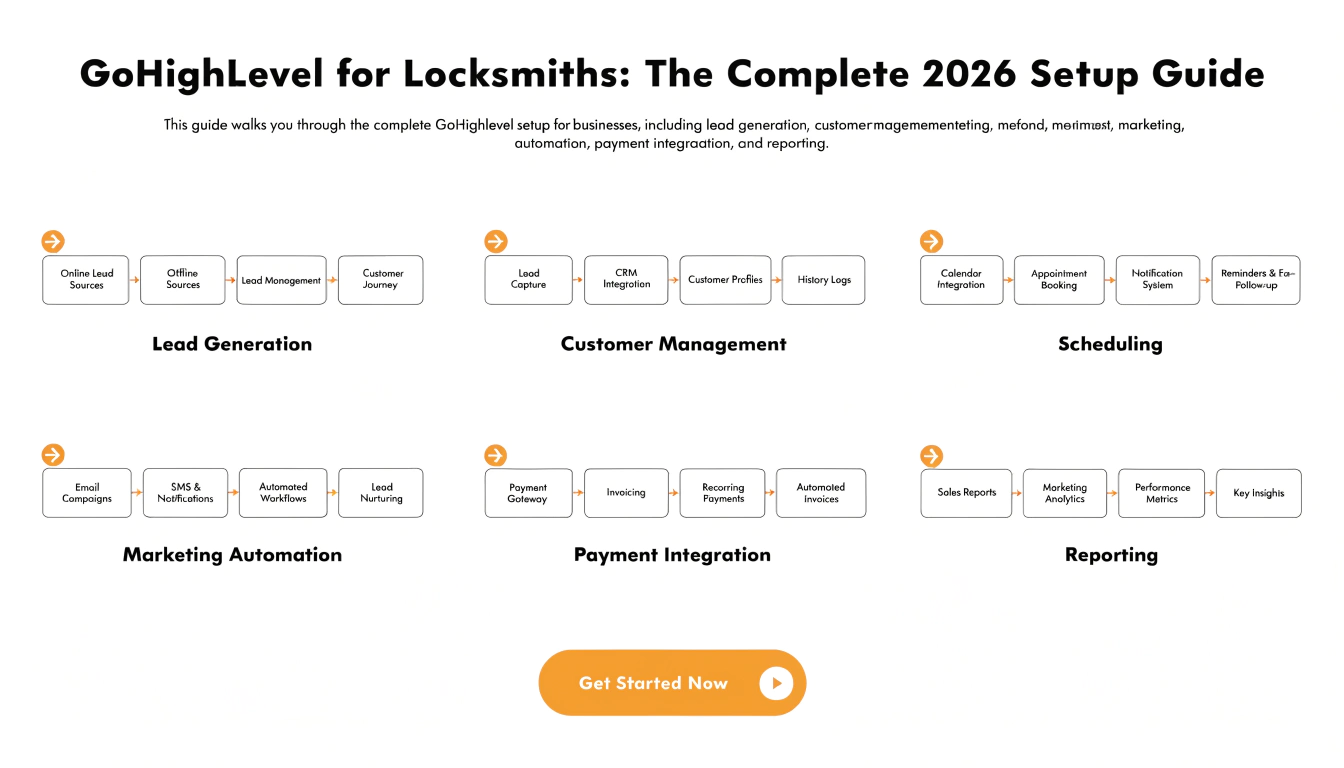
GoHighLevel automates the parts of locksmith work that determine whether a call turns into a booked, dispute-free job: instant response to emergency calls, structured intake (address, entry details, job type), upfront price-range disclosure before dispatch, zone-based technician routing with automatic reassignment if a tech doesn’t accept quickly, and post-job review requests. Locksmith work is won or lost in the first two minutes of contact more than almost any other trade.
Locksmith calls are almost always urgent, almost always price-sensitive, and almost always happening at an inconvenient hour. A homeowner locked out at 11pm isn’t going to wait for a callback — they’re calling the next number on the search results page. And once a tech arrives, vague pricing set over the phone is one of the most common sources of on-site disputes and bad reviews in the entire industry. Both of those problems are structural, and both are exactly what GoHighLevel’s automation is built to fix.
What Locksmith Businesses Actually Struggle With
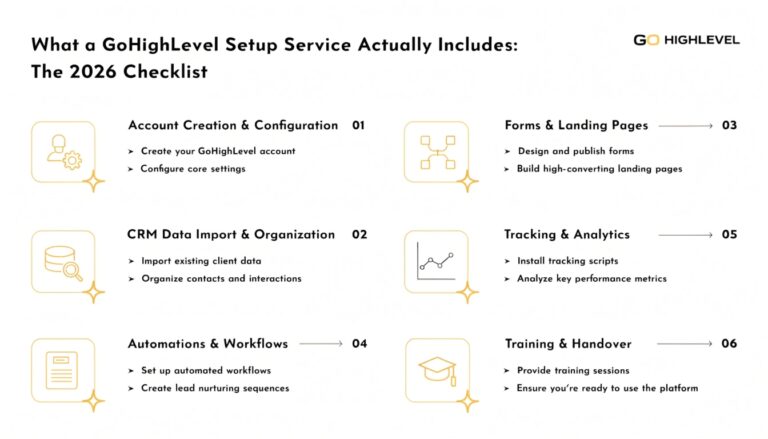
What a Properly Built Locksmith Setup Actually Includes
Core Workflows to Prioritize First
| Workflow | What It Solves | Trigger |
|---|---|---|
| Instant call/text response | Captures after-hours and emergency demand before it goes to a competitor | Inbound call or message received |
| Price-range disclosure before dispatch | Reduces on-site disputes and bait-and-switch complaints | Job type confirmed, before technician assigned |
| Auto-reassignment on non-response | Prevents a slow response from losing the job entirely | Assigned tech doesn’t accept within set window |
| Dispatch confirmation SMS | Reduces “where’s my technician” calls and improves the customer experience | Technician marked en route |
| Post-job review request | Captures reviews while relief/satisfaction is highest | Job marked complete |
| Rekey/spare key follow-up offer | Converts a one-time job into an additional sale | Lockout or lock-change job completed |
Instant response and upfront price disclosure are the two highest-leverage automations — one determines whether you get the job at all, the other determines whether it ends in a good review or a dispute.
Step-by-Step Setup
Why Upfront Pricing Automation Matters More Than It Sounds
This is worth calling out directly because it’s as much a trust issue as an operational one: the locksmith industry has a well-documented reputation problem with vague phone quotes that balloon once a technician is on-site.
A structured system that discloses a clear price range before dispatch — and sticks to it — is a genuine competitive advantage in an industry where many customers are actively wary of getting overcharged. This isn’t just about reducing disputes; it’s about being the locksmith whose reviews don’t mention pricing complaints.
Frequently Asked Questions
Can GoHighLevel help reduce pricing disputes with customers?
Yes, when configured to disclose a clear price range by job type before a technician is dispatched, rather than leaving pricing to a rushed verbal quote — this is one of the most valuable automations specifically for locksmiths given the industry’s reputation issues around surprise pricing.
How fast should a locksmith business respond to an emergency call?
As close to instant as possible. Lockout and emergency calls are highly time-sensitive, and a caller who doesn’t get a fast response typically moves on to the next listing within minutes.
Can jobs be automatically reassigned if a technician doesn’t respond?
Yes, when configured with an acceptance window (commonly around 2 minutes) after which the job automatically routes to the next available technician instead of sitting unanswered.
Does the locksmith snapshot include automotive and commercial job types, or just residential lockouts?
A properly configured setup should include separate pricing and intake logic for residential, automotive, and commercial job types, since they have different pricing structures and urgency levels.
Is the locksmith snapshot ready to use immediately after import?
No. Your pricing by job type, technician zones, and intake fields all need to be configured to reflect your actual business before it’s genuinely ready to dispatch real jobs.
Two Ways to Get Started
If you want us to set this up for you: book a free consultation and we’ll walk through your dispatch process, pricing structure, and technician coverage before anything is built. Book your free consultation here.
If you’d rather start your own GoHighLevel account first: sign up through our link and get a bonus package on top of the standard trial — $10,000 in bonuses plus free funnels, snapshots, and a GHL website template at no extra cost. (This is an affiliate link — we earn a commission if you sign up through it, at no extra cost to you.) Claim your bonuses and start your GoHighLevel trial here.